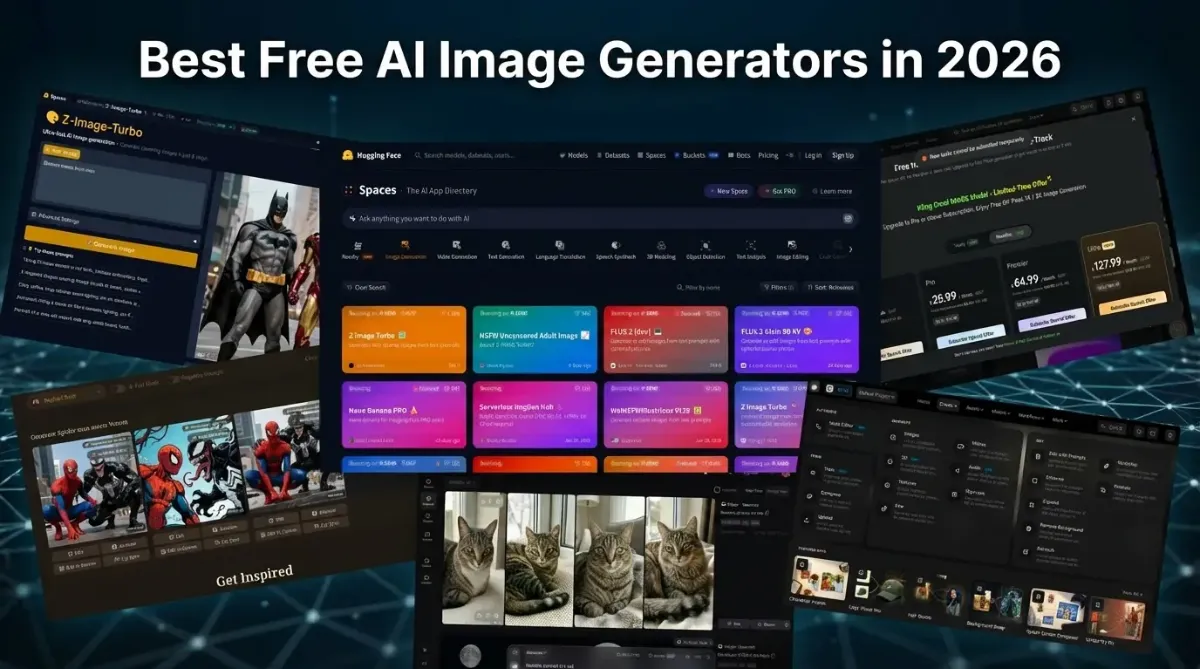
Best Free AI Image Generators in 2026
Yurie Jiyūbō
Every normal person who spends time on the internet occasionally gets the urge to generate a meme or an image — something actually worth posting without embarrassing yourself in front of your followers. Totally natural. Completely legitimate.
Honestly, I think the need to create and share images on social media deserves a spot at the very base of Maslow's hierarchy, right next to food and shelter.
I'm pretty sure it's somehow connected to the survival of the human race — I just can't prove it yet 😁 So since we've established this is a basic human need, why would anyone resist it? If you've been googling things like "free AI image generator no sign up" or "AI art generator free no watermark" — you're in the right place. This is my personal roundup of tools I actually use. No fluff, no sponsored picks. Here's what we'll cover:
where you can generate images with zero registration required
which tools give you clean results with no watermarks
what the free tier limits actually look like across different platforms
Quick Start — No Sign-Up
Inspiration is unpredictable. It tends to show up out of nowhere — like a toothache, just less persistent 😁️. Instead of wandering through endless search results and wasting time, go straight to Hugging Face. Open the Spaces section, pick Image Generation, and try any app that’s currently alive.
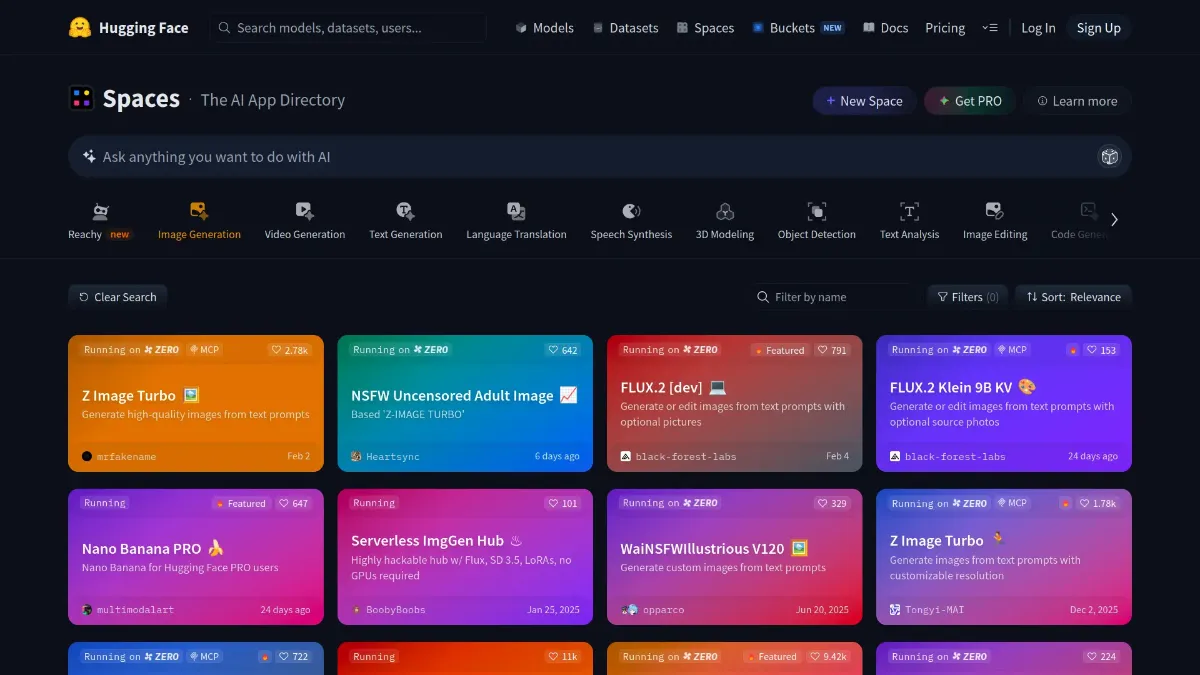 Hugging Face
For example, I clicked the first thing I saw — Z-Image Turbo — typed a simple prompt, and got this.
Hugging Face
For example, I clicked the first thing I saw — Z-Image Turbo — typed a simple prompt, and got this.
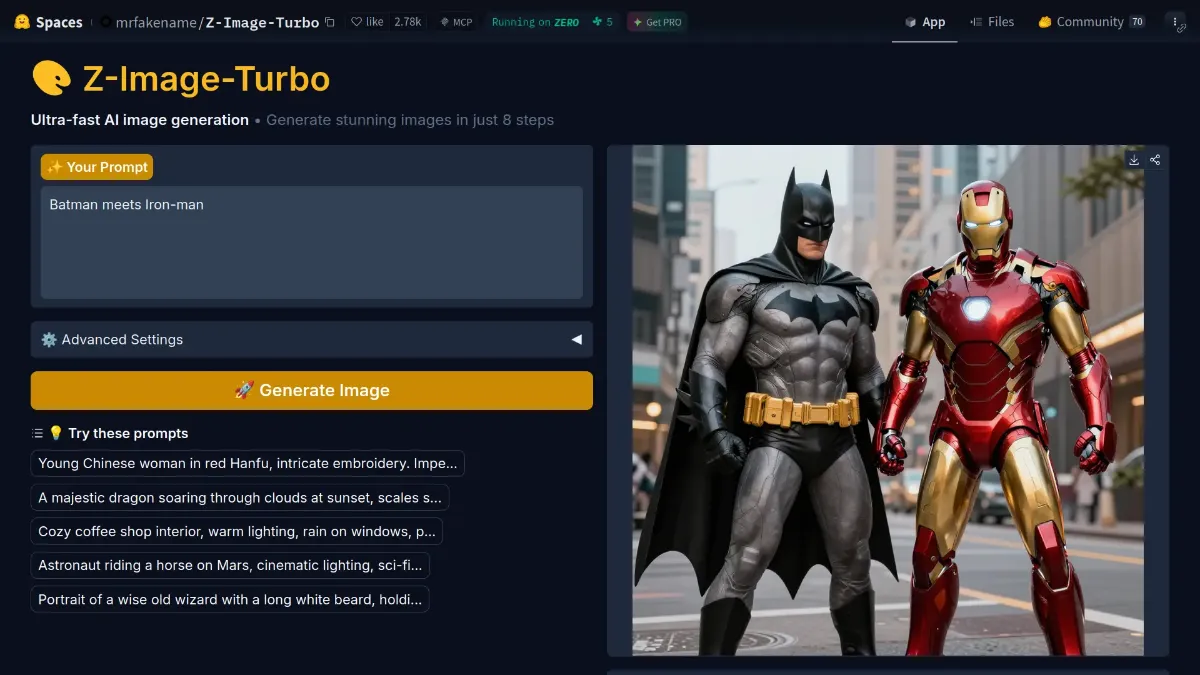 Z-Image Turbo
Some Spaces require an account, some don’t. Try a few and stick with whatever works for you. Just keep in mind: free generations are limited, because many of these models share the same GPU resources.
On the bright side, no watermarks 👍️.
When “free” matters more than watermarks
If watermarks don’t bother you, your options open up quite a bit. One simple and convenient example is Raphael AI.
A basic prompt gives you four images at once, which already feels more generous than most tools. One of mine didn’t pass the NSFW filter for some reason, so we’re left guessing what it was supposed to be — feel free to use your imagination.
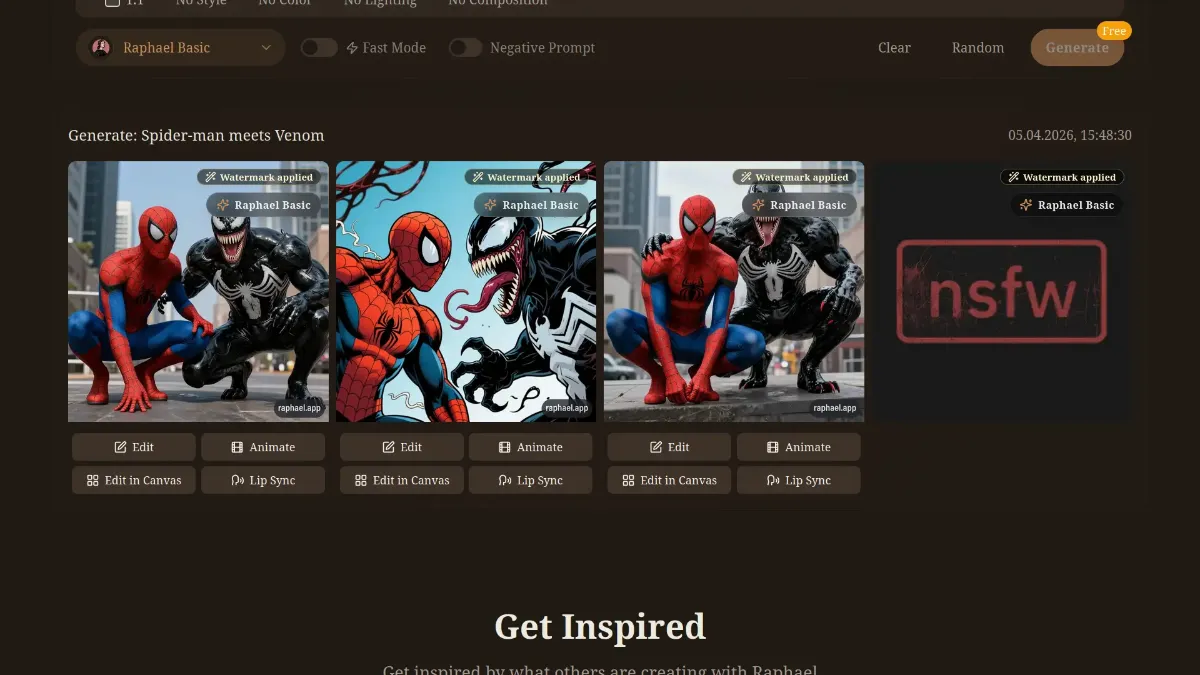 Raphael AI
Going All In — or Why You Can’t Escape Google
If you’re brave enough to create a Google account just for the sake of free images, then yes — it’s worth playing around with what this giant offers.
One thing upfront: this article took more than a day to write, and there’s a good chance that while I was rewriting sentences and trying to sound clever, half of these platforms changed their rules. That’s just how this space works.
For example, I was fully ready to praise Google’s Whisk. It used to be a great tool for both generating and animating images. Took a bit of practice to get decent results, but the free tier was generous. The only downside — overly sensitive filters that would block anything remotely close to NSFW.
By the time I got to this section, Whisk was gone.
Now it’s been replaced by Flow
— and honestly, it is a solid replacement.
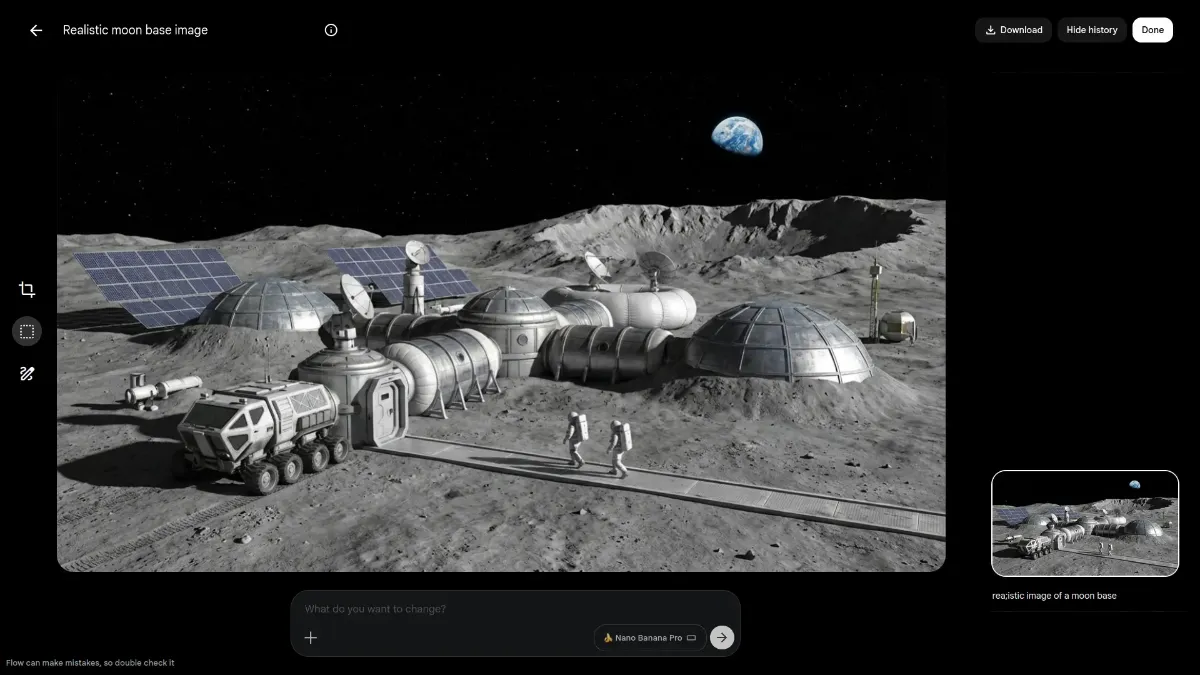 Flow
Still a fairly generous free tier, still useful features. I kept hearing “Nano Banana isn’t on the same level as Flux,” and… that’s technically true. But here’s the difference: I can still use Nano Banana (2 and Pro) and Imagen 4 for free inside Flow, while Black Forest Labs wants payment right away.
Flow
Still a fairly generous free tier, still useful features. I kept hearing “Nano Banana isn’t on the same level as Flux,” and… that’s technically true. But here’s the difference: I can still use Nano Banana (2 and Pro) and Imagen 4 for free inside Flow, while Black Forest Labs wants payment right away.
Maybe they had a free tier before. Maybe I already burned through it and forgot. Both sound plausible.
Either way, I couldn’t get Flux to run in their Playground, so that’s where things stand.
One more thing: Flow also lets you animate images using Google’s Veo 3.1 model. The catch — very limited number of video generations. The result, though, is actually decent.
The Greed Show from the Richest Man Alive
You can’t talk about AI image generation without mentioning Grok Imagine.
I genuinely liked using it. Generating and animating images there felt smooth, and the results were among the better ones I’ve seen.
Then one day it just… stopped working.
Opened it in the morning — “please subscribe.” A bit later it became clear: no more free image generation.
Which is a shame, because it really did deliver.
And yes, like I said earlier, I mostly test free tiers. The reason is pretty obvious. I’m not Elon Musk, and I’m not a billionaire’s daughter either, so buying every subscription on the market isn’t exactly the plan.
This article doesn’t have affiliate links or ads, so there’s no reason for me to praise anyone. And since there’s only one Elon Musk and not that many millionaire daughters out there, I’m guessing a few billion other people might also want to know which AI tools you can still use for free — at least for now.
Other services and neural networks
Ideogram 3
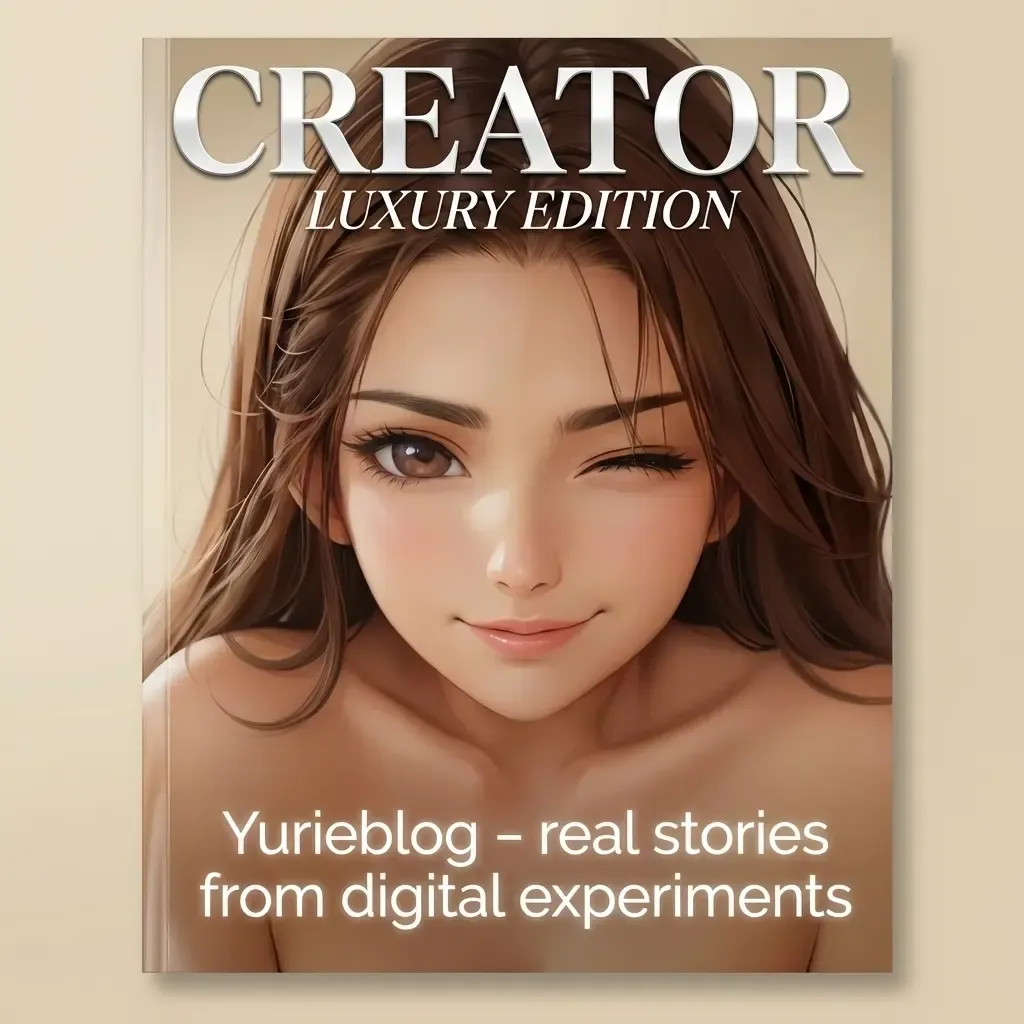
Legend has it that there’s an AI that nails the one thing most tools fail at — proper text inside an image. Not a bunch of broken letters, but actually readable words. If you’ve googled “AI image with correct text,” this is it. I’ve heard the results aren't perfect, but at least they aren’t embarrassing. I'm talking about Ideogram 3. It generates images fairly well, not very realistic, but more or less okay. But the text… well. Basically, it was slightly overhyped, because text issues are still there. Here’s how I tried to generate a magazine cover with my reference image.
.webp) Ideogram 3
Ideogram 3
Although I suspect the text issues happened because the prompt I wrote was too long and not very well structured. When I tried a more concise prompt, the result turned out much better.
So, don't turn your prompt into a novel if you want a clean, readable sign.😉️
 Ideogram 3
Almost All-in-One
If your beliefs don’t forbid you from registering on websites, another resource I personally use on the free plan is Scenario. I won’t go on for long about things you can test yourself, since I still haven’t tried everything here either. I’ll just say this: it’s worth taking a look. Even without knowing your ideas, I’m fairly sure you’ll find something useful.
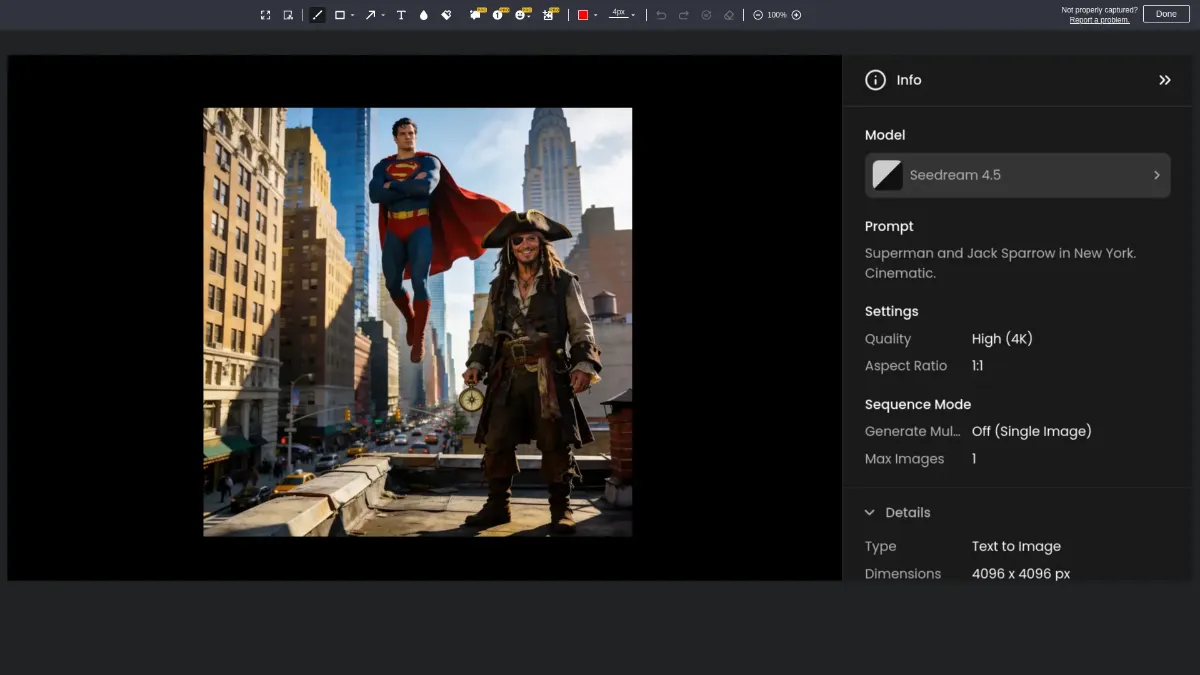
Here you can choose from several models available on the free plan. You get 50 credits daily for creating. For the variety of tools, that’s not much, but it is what it is. For example, for 6 credits, using a simple prompt, the Seedance 4.5 model generated this image for me.
 Scenario
By the way, I strongly recommend checking out the Workflows section, where you can find ready-made setups for generating different kinds of images.
Nomination "Annoyance of the Year"
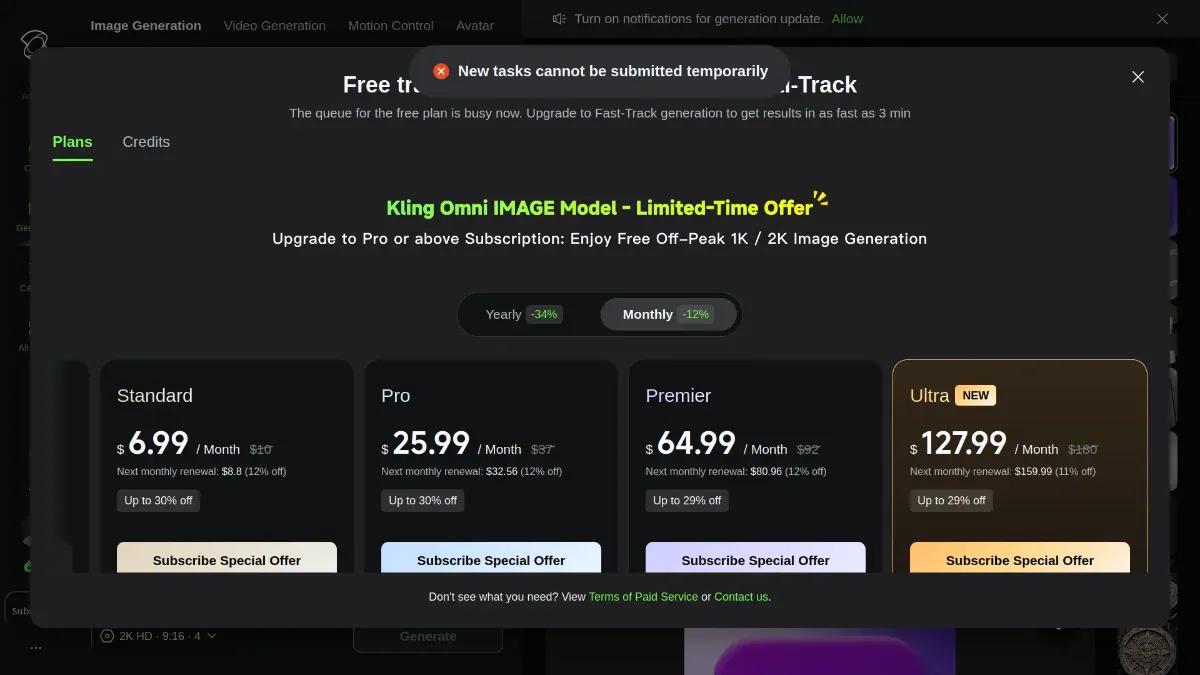
Have you heard of Kling AI? A Chinese giant that’s still not easy to get into. Registration can be a quest in itself. But if you manage to get in, short 5–10 second videos look really decent. At least, that’s how it used to be. I once had the chance to test earlier versions of this tool. It generously gave out free credits for generation. Even back then, it was clear that Kling AI was one of the best for creating images and videos. But time has passed, and now I still have those free credits, yet when I try to generate something, a warning pops up saying the service is too busy and if you want to create anything, you need to switch to a paid plan. That’s how it is. Maybe I’ve exhausted some hidden limits, because I used it actively before; maybe there are regional restrictions—I don’t know. I’m just sharing my own experience.
(I did warn you, I don’t have to praise everything😁)
I wanted to try creating something again specifically for this article and got this result.
 Kling AI
But honestly, I would still recommend giving Kling AI a try, because if, for some reason, the service doesn’t block your free generations, I’m confident the results won’t disappoint.
Kling AI
But honestly, I would still recommend giving Kling AI a try, because if, for some reason, the service doesn’t block your free generations, I’m confident the results won’t disappoint.
Just Wan
Let’s go back to working services 😁, for example, Wan AI
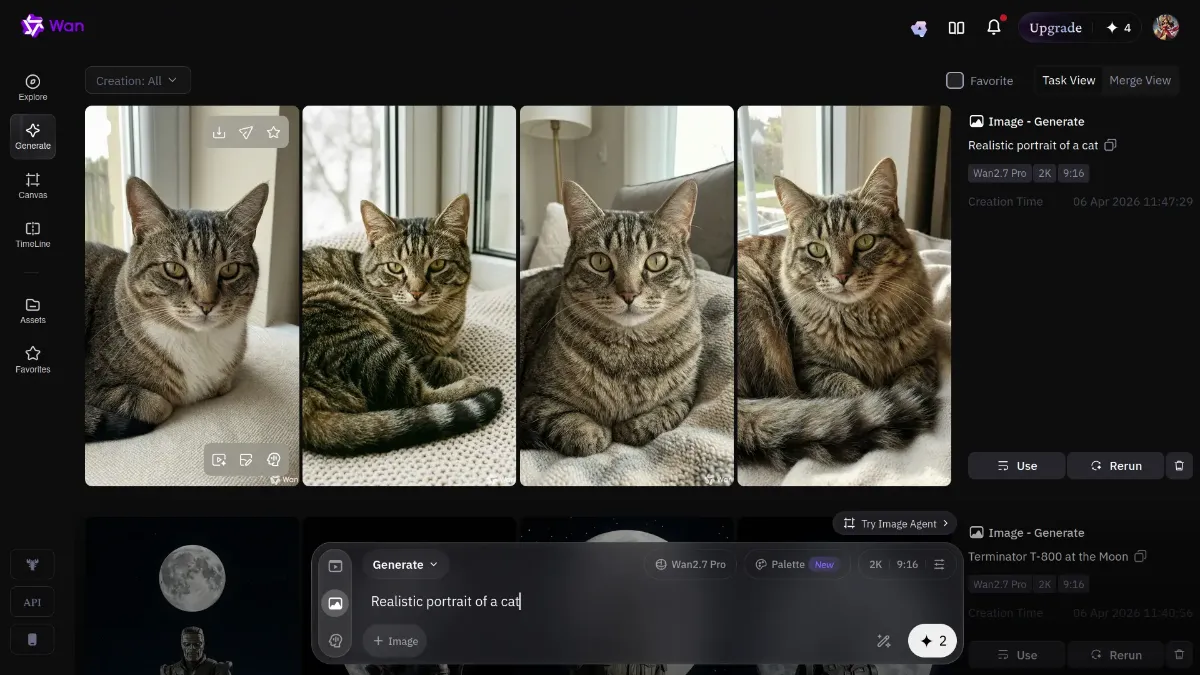
When you register, you get 10 credits, which are replenished daily if you use them. That’s not much, since generating four cat images took 2 credits, but it’s definitely worth trying.
 Wan AI
I could go on praising this AI’s capabilities, but it’s better if you judge its usefulness for your own needs. I’ll just say that short videos turn out very decent—I honestly didn’t expect such quality.
Wan AI
I could go on praising this AI’s capabilities, but it’s better if you judge its usefulness for your own needs. I’ll just say that short videos turn out very decent—I honestly didn’t expect such quality.
I didn’t write much about Wan, right? Well, that’s because even on the free plan it works fine and there’s nothing major to complain about 🤷♀️.
Give the Word to the Portrait
It’s also worth mentioning HeyGen
Maybe “talking heads” will interest you too?
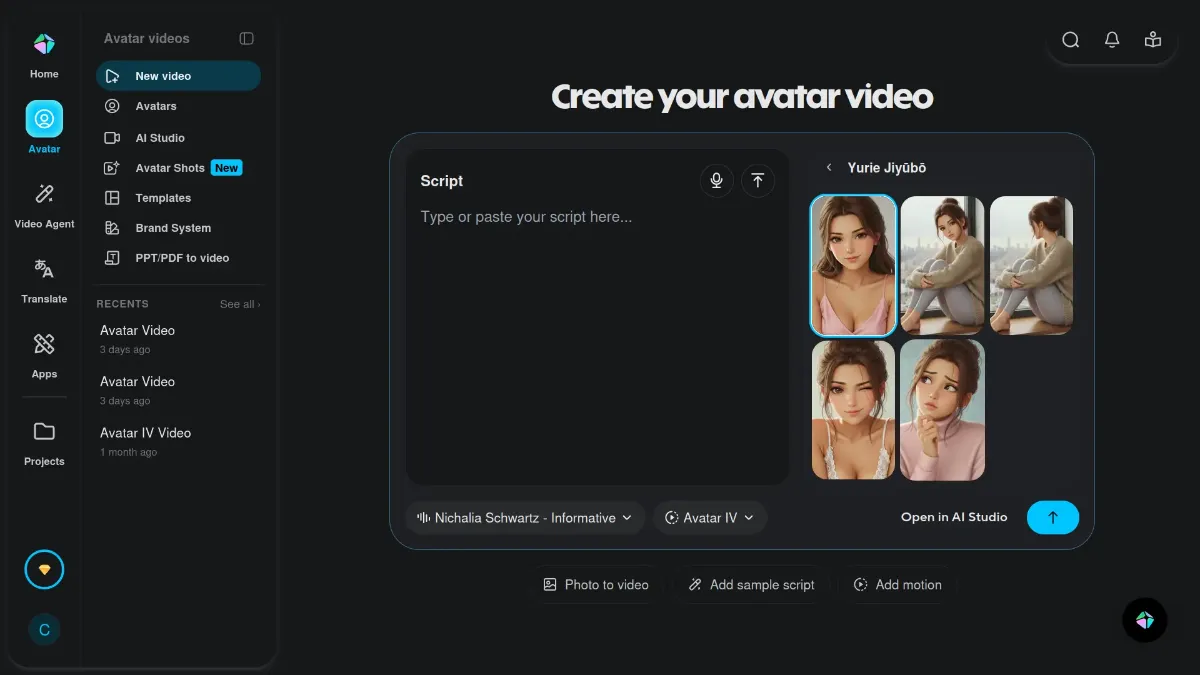 HeyGen
You upload a portrait, provide text, and the portrait starts speaking. You can generate for free, though not much. But you can choose a suitable voice for the narration.
On the free plan, it’s 3 videos per month, up to 1 minute each. So I recommend planning and preparing your prompt in advance. Also, on the free plan, downloaded videos will have a watermark in the lower right corner.
HeyGen
You upload a portrait, provide text, and the portrait starts speaking. You can generate for free, though not much. But you can choose a suitable voice for the narration.
On the free plan, it’s 3 videos per month, up to 1 minute each. So I recommend planning and preparing your prompt in advance. Also, on the free plan, downloaded videos will have a watermark in the lower right corner.
These are the main services and AIs I use most often. It’s quite possible that by the time you read this article, something might have changed, disappeared, or become more expensive, but for now, this is how it is.
FAQ
Is there a truly free AI image generator in 2026?
Yes, but "free" almost always comes with limits — daily quotas, slower queues, or watermarks. The most genuinely free options right now are Google Flow (free with a Google account), Hugging Face Spaces (no account needed for many models but not for all).
Can I generate AI images without signing up?
Yes. Hugging Face Spaces has dozens of models you can try without an account. Quality and availability vary — some models are offline, some require login. Raphael AI also works without registration, though it adds a watermark.
What free AI image generator has no watermark?
Google Flow (Nano Banana 2, Imagen 4) and most Hugging Face Spaces generate without watermarks on the free tier. Raphael AI and HeyGen add watermarks on free plans.
Can I use free AI-generated images commercially?
It depends on the platform. Always read the Terms of Service before using any AI image in paid projects — this changes frequently.
What's the best free AI tool to animate an image into a short video?
Google Flow with Veo 3.1 is currently the best free option for image-to-video. Wan AI also generates short videos on a free plan (10 daily credits). HeyGen is the go-to if you specifically need a "talking portrait" effect.
Why did Grok stop generating images for free?
In early 2026, xAI moved image generation in Grok behind a paid subscription. One day it just stopped working for free users.
Is Kling AI still free in 2026?
Technically yes, but in practice many users (myself included) hit invisible limits where the service claims to be "too busy" and suggests upgrading. It's worth trying — your experience may differ depending on region and account age.
How many free images can I generate per day on Google Flow?
Nano Banana 2 in Flow currently costs 0 credits per generation, with no hard daily cap published. You can generate 4 images simultaneously per prompt. Video generation via Veo 3.1 is much more limited and depletes quickly.